Smartlists are not just playlists, they are really smart! They can be automatic and dynamic!
You can create two types of custom Smartlists: My List and Resume Playback.
Please note that custom Smartlists are not the same as custom Playlists. Custom Playlists must be created by your users through their client interface: your platform.
To learn more about custom Playlists, click HERE.
My list
Your users can save content to a dedicated list by clicking the icon 
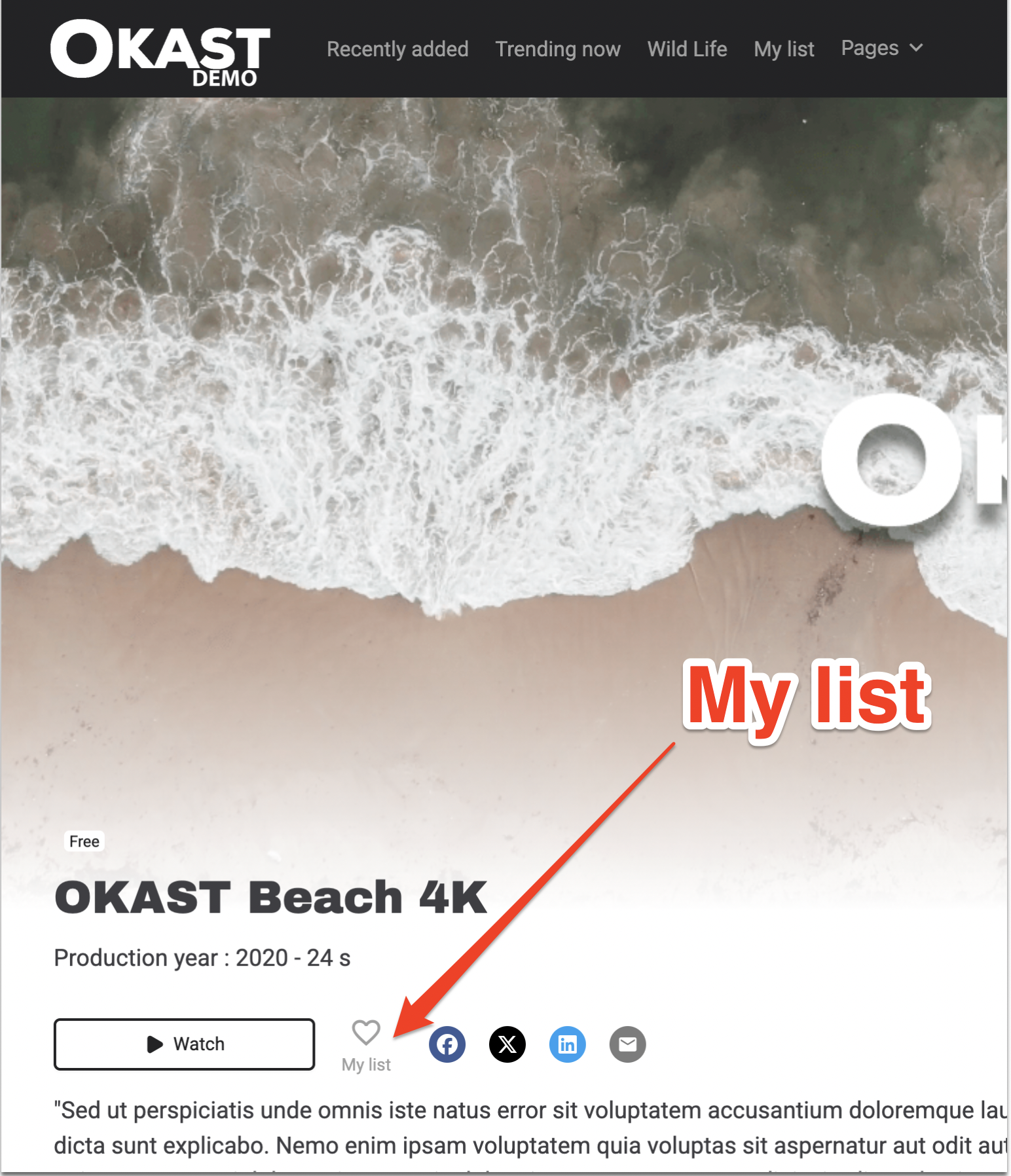
They will then be able to view the items on this list either:
- On the home page, just like any Standard Smartlist.

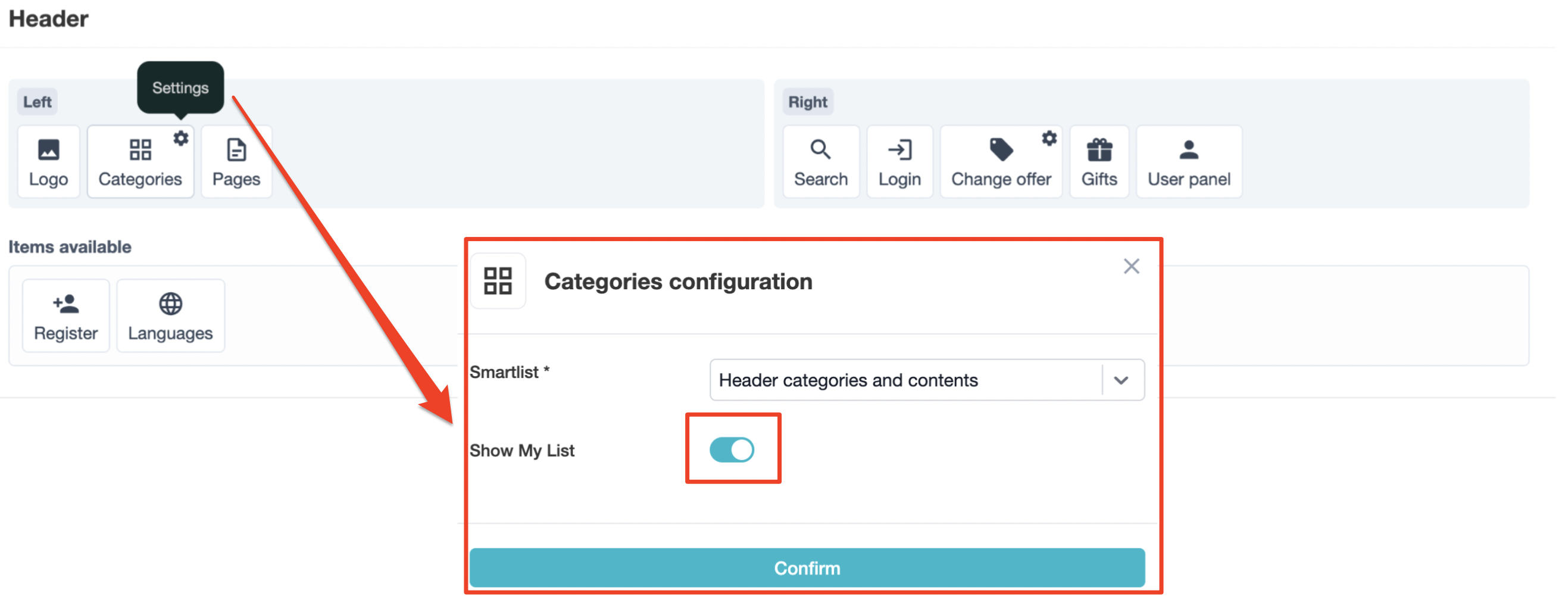
- In the “My List” menu in the header.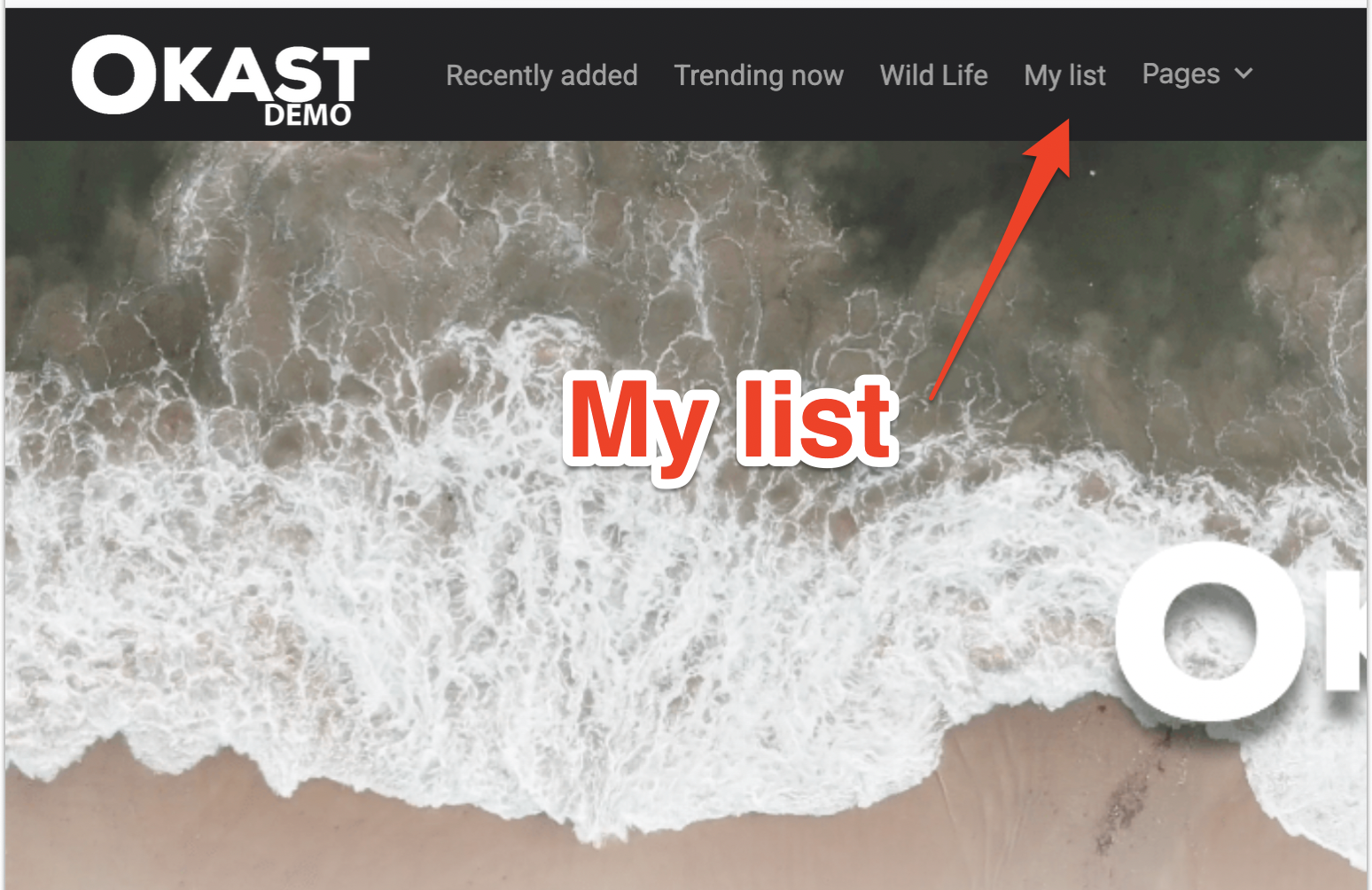
Resume watching
Your viewers can continue watching content they have stopped. This feature is activated as soon as a video has been viewed for more than 10 seconds.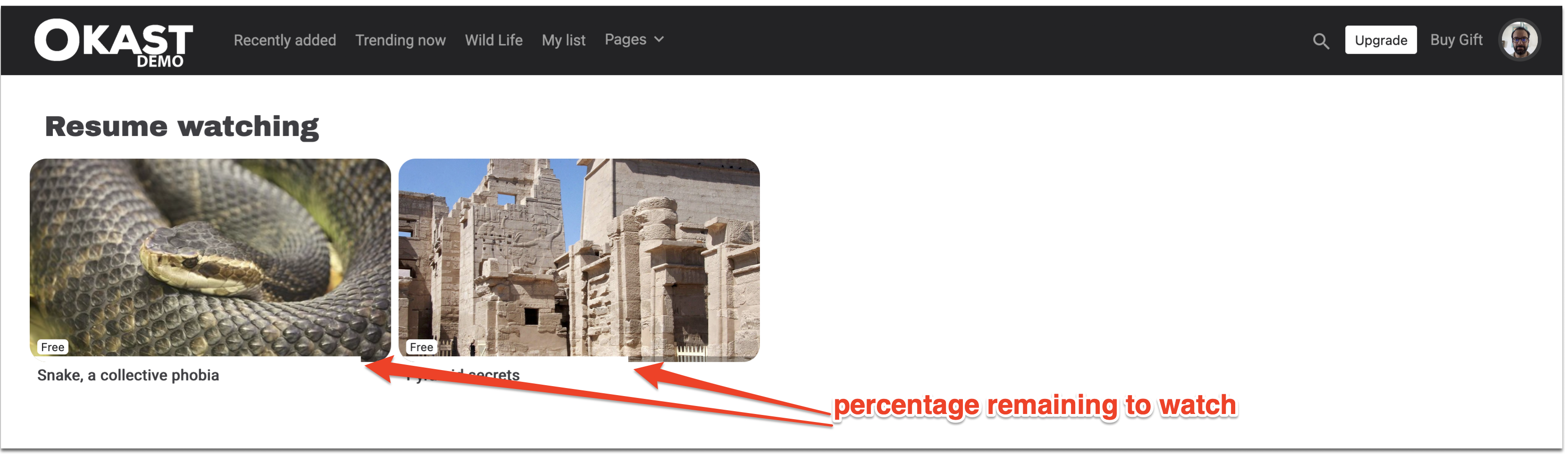
How to create automatic smartlists?
Go to Platform > Layout > HomePage, then create a new component 
At the very bottom, in “Data source type” choose:
“My List” to create the component that will display the contents selected by the user

OR
“Resume watching” to create the component that will display the list of videos currently being watched :

For the “Recommended” datasource type, you can read our article about the algorithm of personalized recommendation.
In the editor portal, you will distinguish between standard components and components displaying automatic smartlists thanks to the following icons:

For do the final activation of the “My list” feature”, you need to activate it on the layout of your plaform in your back office menu Header & Footer > Header > Categories > My List
Note: these smartlists are dynamic, so if no content is added to “my list” or if no content is being watched, then the components will not be displayed on your platform.